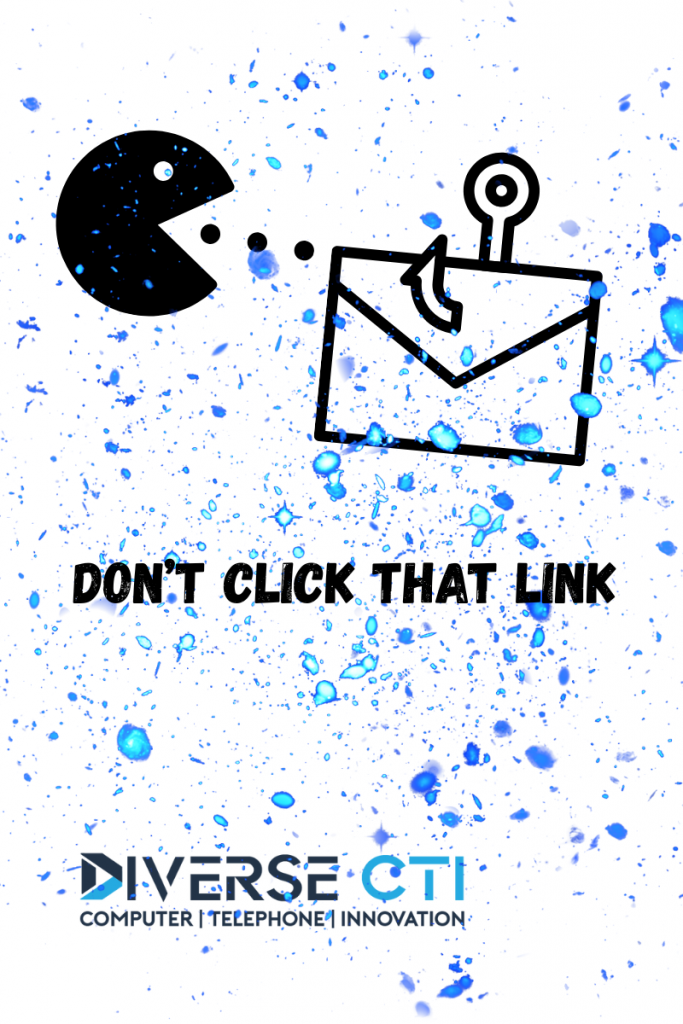
Don’t Click That Link!
How to Spot, Stop, and Survive a Phishing Attack
You think, “I’ll never click a bad link.”
But you clicked this one to get here, and that’s exactly how easy it is to get phished.
Phishing is when a cybercriminal tricks you into clicking a malicious link, opening a fake attachment, or sharing private information often pretending to be someone you trust.
It’s one of the most common ways hackers gain access to business systems, steal data, and deploy ransomware.
At Diverse CTI, we’ve helped Oklahoma counties, cities, and businesses defend against thousands of these attacks before they ever became a crisis.
What Phishing Looks Like
Hackers use social engineering, manipulation and deception to make you believe their message is legitimate.
They often pose as vendors, coworkers, banks, family members or even your IT department.
Common Signs:
- Urgent or threatening tone (“Your account will be locked!”)
- Unfamiliar or misspelled sender addresses
- Links that don’t match the real website
- Suspicious attachments (ZIPs, PDFs, “voicemails”)
- Requests for passwords, payments, or verification codes
The Many Flavors of Phishing
- Email Phishing
The classic version, fake emails that look like official messages from Microsoft, Amazon, or your bank.
➡️ Goal: Steal login or install malware. - Spear Phishing
Highly targeted attacks that mention your name, role, or organization.
➡️ Goal: Trick specific employees (often leadership or finance) into sending data or money. - Business Email Compromise (BEC)
Hackers spoof or hijack a company email account — often a CEO or vendor — to request wire transfers or gift cards.
➡️ Goal: Financial theft and internal compromise. - Smishing (SMS Phishing)
Text messages that look like shipping updates, bank alerts, or password resets.
➡️ Goal: Get you to click a malicious link from your phone. - Vishing (Voice Phishing)
Phone calls pretending to be IT support, tech companies, or even the IRS.
➡️ Goal: Pressure you into revealing personal info or downloading software. - Clone Phishing
A hacker copies a real email you’ve received before but swaps the legitimate link for a malicious one.
➡️ Goal: Exploit trust in familiar senders. - QRishing (QR Code Phishing)
QR codes on flyers, emails, or tables that redirect to credential-harvesting sites.
➡️ Goal: Capture passwords or install mobile malware.
If You Already Clicked — Here’s What to Do
- Disconnect Right Away
Turn off Wi-Fi or unplug from the network to stop data theft or ransomware spread. - Contact IT or Diverse CTI
Forward the phishing message to your IT provider, with the subject line “PHISHING – CLICKED.”
Include a screenshot and note the time.
For urgent help from Diverse CTI call 405-840-4100. - Change Passwords Immediately
Start with the account you entered credentials for, then update your email, Microsoft/Google account, and any reused passwords.
Enable multi-factor authentication (MFA) everywhere. - Run a Full Security Scan
Do not open other files or apps. Let your IT provider isolate and clean your device. - Monitor Accounts Closely
Watch for password reset requests, banking changes, or fake invoices.
Always verify unusual requests through a known phone number — not the email thread. - Report It Internally
If your organization has a security or HR team, let them know. Reporting helps prevent others from being tricked.
Stay One Step Ahead
Ongoing phishing awareness training is your best defense.
Diverse CTI offers:
- Simulated phishing tests for employees
- Cybersecurity awareness workshops
- Managed IT and 24/7 monitoring
- MFA and password hardening strategies
Don’t Wait for a Breach, Test Your Team Today!
Your employees are your first line of defense. Let’s make sure they’re ready.
👉 Schedule your FREE Cybersecurity Assessment today!
We’ll run a no-obligation cybersecurity assessment and show you how to protect your network, and your employees from real-world threats.